
There was a time when choosing a digital audio workstation was partly about deciding which professional recording environment you could afford to enter.
In 2026, that question has changed.
Logic Pro, FL Studio and Pro Tools can all produce commercially viable records. All three can record audio, manipulate MIDI, run third-party plug-ins, automate mixes and deliver finished music. The real question is no longer whether one of these programs is “professional enough.”
The better question is: Which one works the way you think?
That distinction matters because digital audio workstations have evolved into very different creative environments. A producer building hip-hop beats from samples may evaluate a DAW differently from an engineer recording a five-piece band. A songwriter sitting at a keyboard may want something different from a post-production mixer preparing an immersive soundtrack.
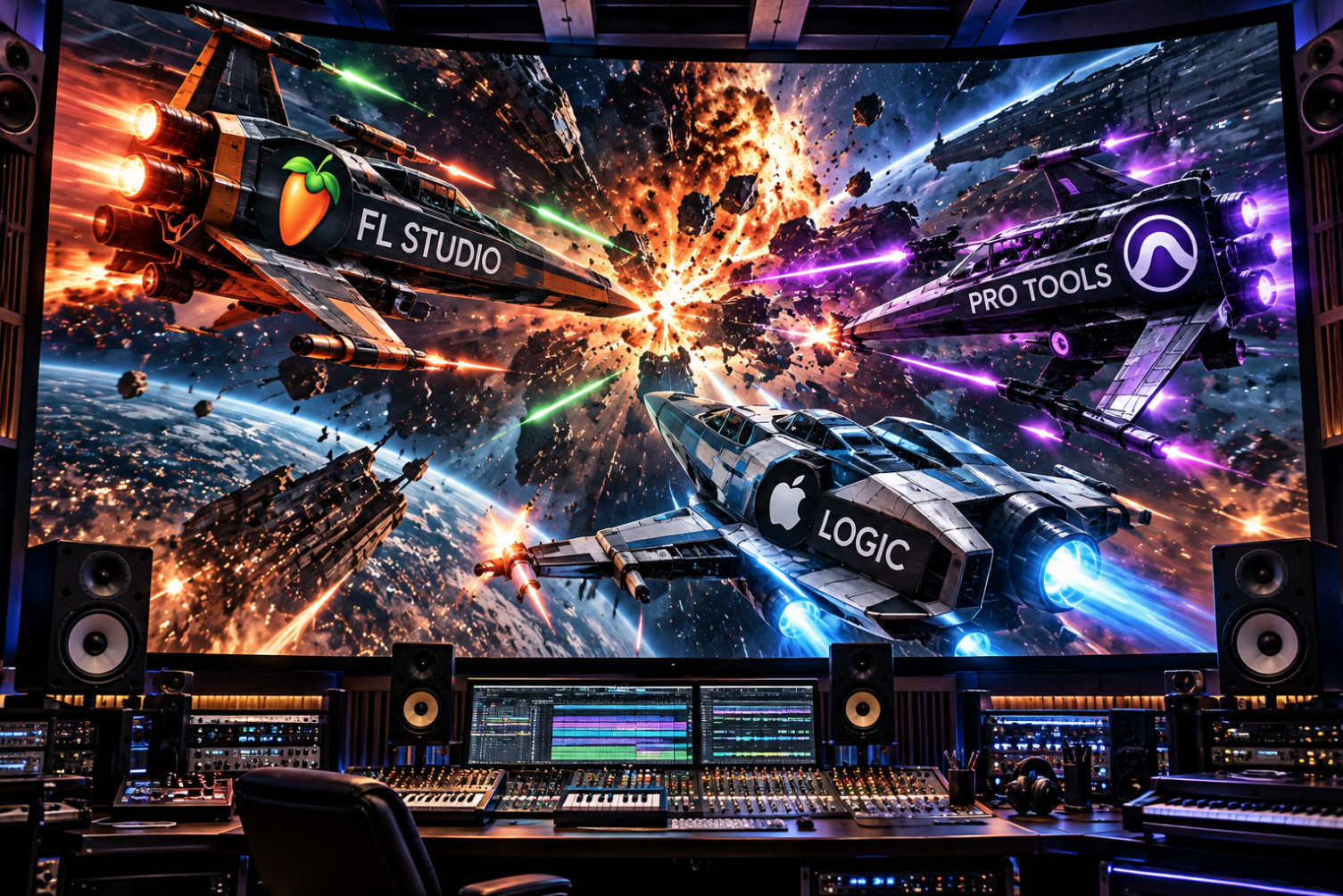
Logic Pro, FL Studio and Pro Tools represent three different philosophies of music creation.
And none of them wins every category.
Logic Pro: Apple’s All-in-One Production Environment
Logic Pro may be the easiest of these three programs to describe as an all-around production package.
Apple currently sells Logic Pro for Mac for $199.99, and the application includes recording, MIDI sequencing, mixing, software instruments, effects, sampling, looping and mastering tools. The significant limitation is obvious: Logic remains a Mac-only application.
That platform restriction may immediately eliminate Logic for a Windows-based producer.
For Mac users, however, Logic’s value proposition is difficult to ignore.
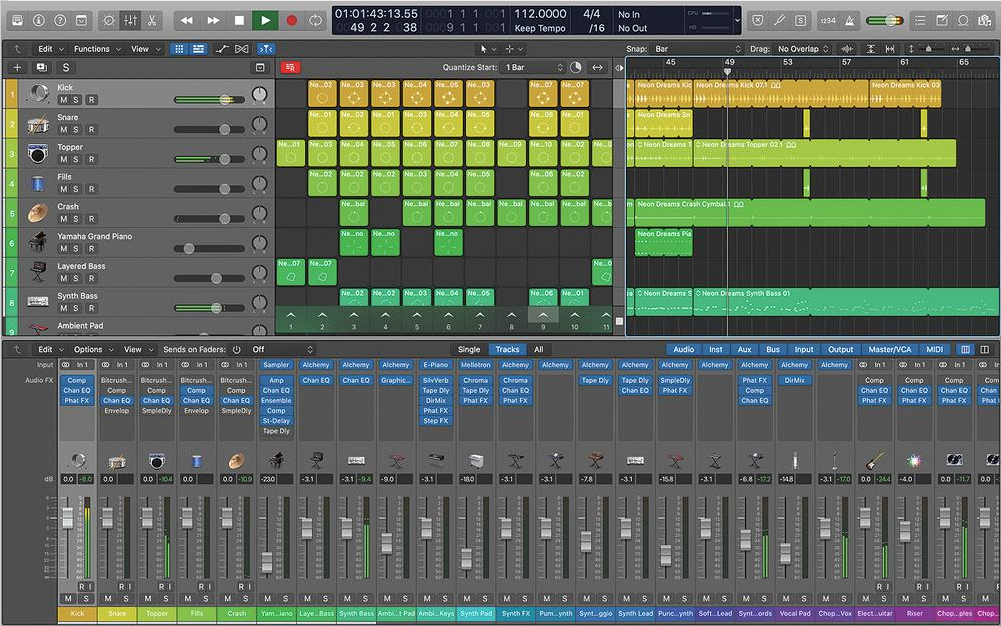
Logic has increasingly blurred the line between traditional recording software and an intelligent creative assistant. Apple’s current feature set includes Stem Splitter, Smart Tempo, Flex Time, Flex Pitch, Live Loops, Quick Sampler, Sampler, Step Sequencer and an increasingly sophisticated group of Session Players. Apple’s recent Logic releases expanded those Session Players with synth, bass and keyboard performers while continuing the Drummer concept that Logic users have had for years.
The concept behind Session Players is notable because Apple has approached artificial intelligence differently from companies trying to generate finished songs from a prompt.
Logic’s AI features are generally designed to participate inside the production process.
A producer still makes the arrangement, chooses sounds and directs the performance. The software assists by generating or adapting musical parts.
Stem Splitter takes a different approach to AI. It allows producers to separate elements from existing mixed audio. Current Logic documentation describes separation into drums, bass, vocals, guitar, piano and other instruments, making the technology useful for remixing, sampling and restoration work.
Logic also continues to excel at handling musicians who do not necessarily want every recording locked rigidly to a click track. Smart Tempo can adapt a Logic session to a recorded performance or adapt recorded material to an established project tempo.
That makes Logic particularly attractive to songwriters, instrumentalists, producers and composers whose workflow moves back and forth between MIDI and live audio.
Where Logic Wins
Its greatest strength may simply be how much production capability Apple includes in one purchase.
You can begin with virtually nothing except a Mac, Logic and an audio interface and have access to enough instruments, effects and production tools to make serious records.
Its weaknesses are equally clear.
You need a Mac. Producers who regularly move between Mac and Windows environments cannot simply install their Logic license on both machines. And although Logic is fully capable of recording and mixing complex sessions, studios built around Pro Tools may still require exports or session conversions when collaborative projects leave the Logic ecosystem.
Logic is therefore a particularly strong choice for the producer who wants one deeply integrated music-production environment and already lives in Apple’s hardware ecosystem.
FL Studio: Speed, Flexibility and Producer-First Thinking
FL Studio has one advantage that cannot be understood by looking only at a feature chart:
It encourages experimentation.
Image-Line built FL Studio around a workflow that has historically appealed to producers who think in patterns, loops, drums, melodies and arrangements rather than traditional tape-machine concepts.
That DNA is still obvious.
FL Studio runs on Windows and macOS, and one license covers both platforms. Image-Line currently offers Fruity Edition at $99, Producer Edition at $179, Signature Bundle at $269 and All Plugins Edition at $449. Producer Edition and above include audio recording and stem separation.
For serious recording and production, Producer Edition is the more relevant comparison against Logic and Pro Tools because Fruity Edition places restrictions on audio recording and audio clips.
FL Studio’s pricing also contains one of the most consumer-friendly policies in professional music software: Lifetime Free Updates. Image-Line says purchasers receive future updates to their edition without additional upgrade fees.
That becomes significant over five or ten years of ownership.
A producer who bought FL Studio years ago may still be receiving features that users of other platforms would typically associate with a paid version upgrade.
FL Studio 2026 continues that evolution.
Image-Line now promotes features including stem separation, a chord generator, Loop Starter, Audio Logger and Gopher, an AI assistant trained around the FL Studio manual that can answer questions and guide users through the program.
That is a different use of AI from Logic’s Session Players.
Instead of pretending to be a musician, Gopher functions more like an integrated production assistant.
And FL Studio’s Piano Roll remains one of the program’s strongest attractions.
For producers programming complex drum patterns, 808s, melodies and MIDI arrangements, FL Studio often feels immediate. Its pattern-based architecture allows ideas to be assembled rapidly without forcing the producer into a traditional linear recording workflow from the beginning.
Where FL Studio Wins
FL Studio is arguably the most naturally producer-centric of these three programs.
It rewards experimentation.
It is excellent for beat creation.
Its MIDI workflow is deep.
It can now record and edit audio far more comprehensively than the older stereotype of FL Studio as “beat-making software” suggests.
And the lifetime-update model makes its long-term ownership cost unusually attractive.
Its weakness is that its freedom can also become complexity.
FL Studio allows windows and workflow elements to be arranged in highly flexible ways. Producers who love that freedom may find Logic restrictive. Engineers accustomed to highly structured recording and editing environments may find FL Studio less immediately intuitive.
Neither reaction makes the software good or bad.
It reflects the user.
Pro Tools: Still Built Around the Studio
Pro Tools approaches the problem differently.
Where FL Studio often feels like a producer’s instrument and Logic feels like a complete creative workstation, Pro Tools still feels closest to a recording studio translated into software.
Avid currently offers Pro Tools Intro for free, Artist at $9.99 per month, Studio at $34.99 per month and Ultimate at $99 per month. The tiers differ substantially in track counts, video support, immersive mixing features and post-production capabilities.
Pro Tools Artist currently supports 32 audio tracks and 64 MIDI tracks. Studio expands that dramatically to 512 audio tracks and 1,024 MIDI tracks, while Ultimate reaches 2,048 audio tracks and includes the deepest post-production and video capabilities.
That scale explains much of Pro Tools’ continuing relevance.
Its design remains particularly strong for tracking, editing, comping, session organization, professional mixing and work that must move between commercial facilities.
Avid has also continued modernizing the software rather than relying solely on its studio legacy.
Pro Tools 2026.4 added Track Pin, MPEG-H immersive mixing support, Dolby Headphone Personalization, enhanced Speech-to-Text workflows and other production and post-production improvements. Pro Tools 2026.4.1 subsequently added support for newer Apple M5 systems.
Pro Tools also now supports a substantial ecosystem of ARA-integrated tools, including Melodyne, RX Spectral Editor, Synthesizer V, SpectraLayers and others, depending on the relevant product and license.
Where Pro Tools Wins
When multiple engineers, commercial studios or post-production facilities need to exchange sessions, Pro Tools still offers a level of familiarity and standardization that carries real value.
Its audio editing remains extremely precise.
Its playlist and comping workflow is powerful.
Its routing architecture makes sense for large sessions.
And its Studio and Ultimate tiers are built to handle jobs extending far beyond a producer creating a two-track master in a bedroom studio.
But Pro Tools can feel expensive compared with the other choices.
FL Studio buyers can purchase a license and continue receiving updates to their edition. Logic remains a relatively inexpensive one-time purchase on Mac. Pro Tools’ most visible purchasing model remains subscription-based, although Avid also continues to support perpetual licensing and upgrade paths.
For musicians who simply want to make beats, write songs and release their own records, much of Pro Tools’ infrastructure may be unnecessary.
For a recording engineer expecting to work in multiple studios, it may be exactly the infrastructure they need.
Which DAW Sounds Better?
This question continues to generate arguments that are often more emotional than useful.
The practical answer is that all three programs are capable of producing high-quality professional audio.
A weak mix does not become strong because it was opened in Pro Tools.
A great producer does not suddenly lose creative ability because a record was created in FL Studio.
And Logic does not automatically make a record sound “Apple.”
The differences that matter most are workflow, included instruments and effects, editing behavior, routing, hardware compatibility, project exchange and the individual producer’s speed inside the environment.
The best DAW is often the one that disappears while you are making music.
If you constantly fight the software, its theoretical advantages do not matter.
For Beat Makers: FL Studio Has a Strong Case
For a producer whose day begins with drums, samples, 808s, MIDI and experimentation, FL Studio remains extremely difficult to dismiss.
The Piano Roll, pattern workflow, automation and flexible arrangement environment encourage rapid creation.
Logic can absolutely make beats.
Pro Tools can absolutely make beats.
But FL Studio feels like it was built around that process rather than having beat production added to a traditional recording workflow.
For Songwriters and All-Around Producers: Logic Is Hard to Beat
Logic may provide the best middle ground.
You can write with MIDI, record a singer, comp live instruments, generate Session Player performances, manipulate stems, edit pitch, mix the record and master it without leaving the application.
At $199.99, the included toolset represents significant value.
Its biggest disadvantage remains the same one it has had for years:
You need a Mac.
For Recording Engineers and Professional Studios: Pro Tools Remains Powerful
If your work involves recording bands, editing large numbers of live takes, collaborating with multiple engineers, mixing immersive audio or moving into professional post production, Pro Tools becomes increasingly compelling.
The further your work moves from individual music creation toward facility-scale production, the stronger its advantages become.
But You Do Not Have to Choose Only One
This may be the most realistic answer in 2026.
Modern producers increasingly move between DAWs.
A beat may begin in FL Studio.
Vocals may be recorded in Pro Tools.
A songwriter may arrange the record in Logic.
Stems can be exported.
MIDI can move.
Audio can move.
Entire careers have been built around workflows involving more than one platform.
DAW loyalty makes good internet debate.
Interoperability makes records.
Amplifier’s Take
If we were recommending these programs by user rather than declaring one universal winner, the breakdown would look something like this:
FL Studio is the strongest recommendation for beatmakers, electronic producers and creators who value speed, flexible MIDI programming and long-term ownership value.
Logic Pro is the strongest all-around value for Mac-based producers, songwriters and independent artists who want production, recording, instruments, editing and mixing in one package.
Pro Tools remains the strongest fit for engineers, commercial studios, large recording sessions and creators who need compatibility with professional recording and post-production environments.
The important part is not choosing the DAW with the loudest fan base.
It is choosing the DAW that allows you to translate an idea into sound with the least friction.
Because listeners will never ask whether your kick drum came from FL Studio, your vocal was cut in Pro Tools or your synth part was arranged in Logic.
They will ask one question:
Is the record good?
Amplifier Reader Poll
Which DAW would you choose if you could use only one?
Logic Pro
FL Studio
Pro Tools
Another DAW