
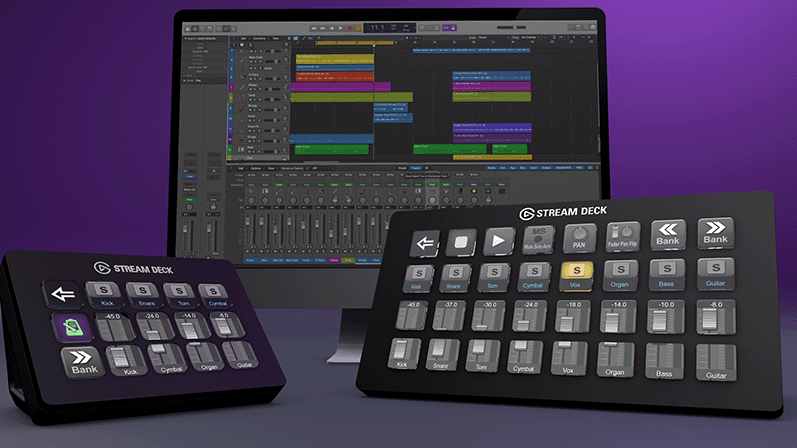
Editor’s choice: Logic Pro is our editor’s preferred place to begin a production. The reasons are practical: creative possibilities, a generous starting toolkit, and a price that leaves more of an independent producer’s budget available for the rest of the studio. Pro Tools has a complementary role, particularly when the editor wants to work with a preferred collection of plug-ins.
This is a workflow preference, rather than a claim that one application makes every recording sound better. The useful question is which environment helps you develop an idea, then finish it with confidence.
Creativity is the reason to open Logic
Logic’s appeal starts before a mix exists. Live Loops offers a way to explore musical combinations, while Step Sequencer and the sampling tools support building parts from patterns and sounds. Instead of demanding that every idea arrive as a fully planned arrangement, the software provides several routes into the same song.
That range matters to a producer who moves between writing, beat construction and recording. One day a session begins with a keyboard part; another begins with a rhythm or a fragment of audio. Our editorial preference is for a creative environment that accommodates those different starting points.
Logic includes instruments and effects, so a new project does not have to become a shopping exercise before it becomes music. More purchases can wait until there is a clear reason for them.
The price strengthens the recommendation
Apple lists the standalone Mac version at $199.99 in the United States. It also offers Logic through Apple Creator Studio at $12.99 monthly or $129 annually. Those are different purchasing choices: the value of a bundle depends on whether you will actually use its other applications. Prices were checked October 28, 2026.
For our editor, the standalone price is a strong part of the attraction. Budget spent on software is budget unavailable for monitoring, room treatment, microphones or time with an artist. A productive setup should leave room for those priorities.
Why Pro Tools still belongs in the conversation
Our editor favors Pro Tools for a familiar plug-in workflow. That preference deserves to be stated precisely: a comfortable set of processors, presets and working habits can be more valuable than a long feature checklist. Confidence in the tools often helps an engineer make decisions and move on.
Pro Tools supports AAX plug-ins; Logic supports Audio Units. Many developers sell products in both formats, so preferring a processor inside Pro Tools does not mean Logic lacks professional effects. Check the format, license, operating-system support and actual edition before buying. Avid’s included software and plug-in offerings vary by Pro Tools tier and entitlement.
A sensible way to use both
Develop the arrangement in the application that encourages you to keep creating. If the next stage belongs in Pro Tools, print the parts that define the production and export aligned audio files from a common start point. Supply dry alternatives when useful, and keep a reference mix so the next session has a clear musical target.
Audio transfers do not recreate an entire native project. Instrument settings, plug-in chains, automation and routing can need separate attention. Establish the sample rate, tempo and delivery requirements before the handoff.
Amplifier’s verdict
Logic Pro earns our editor’s recommendation for creative options and value. Pro Tools remains a preferred companion when its plug-in environment suits the work. The strongest argument for this pairing is simple: create where ideas flow, then finish where the decisions feel clearest. The software should support the record, not become the record’s main subject.